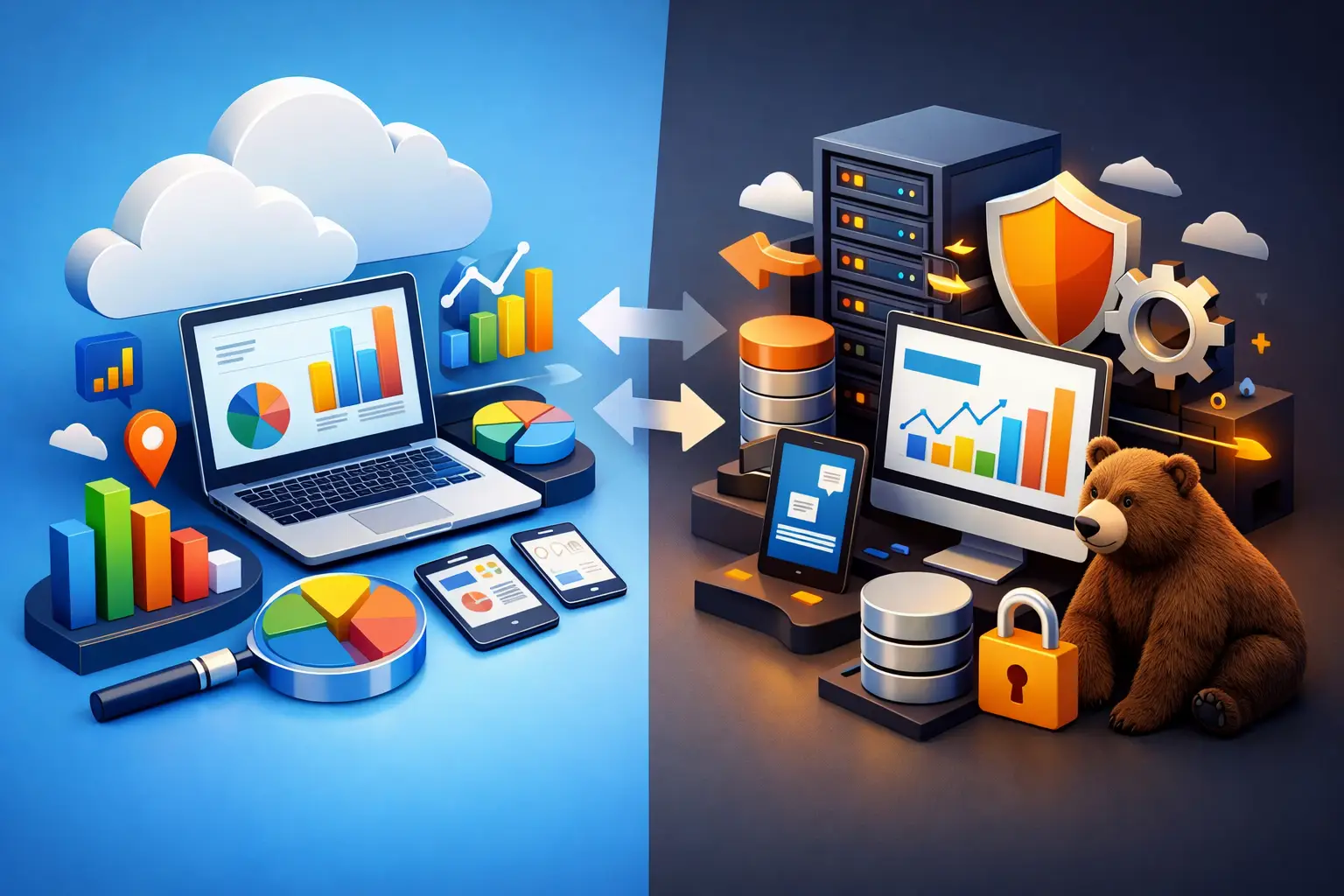
GA4 vs Server-Side Tracking: What Small Businesses Need
GA4 vs server-side tracking: what small businesses actually need to measure campaigns, protect data, and make smarter growth decisions with confidence.
Your ad platform says a campaign generated 40 leads. Your CRM shows 18. Your website analytics reports 27. That gap is where marketing budgets get wasted.
For GA4 vs server-side tracking: what small businesses actually need is not a debate about having the most advanced setup. It is about getting reliable enough data to make confident decisions on advertising, website performance, and lead generation. Most small businesses need a clean GA4 foundation first. Server-side tracking becomes valuable when lost data, privacy requirements, ad spend, or technical complexity start affecting revenue.
GA4 Is the Starting Point for Most Businesses
Google Analytics 4 is a website analytics platform. It shows how people reach your site, what pages they view, which actions they take, and whether those actions become leads, calls, purchases, or form submissions.
For a service company, GA4 can answer practical questions: Which campaign brought qualified traffic? Which service page generates the most form fills? Are mobile visitors leaving before they contact you? Did the redesigned website improve lead conversion?
That visibility matters because a good-looking website is not automatically a performing website. GA4 gives your team a baseline for measuring whether marketing activity is moving the business forward.
A proper small-business GA4 setup should track the actions that matter to revenue, not every click a visitor makes. Usually, that means form submissions, phone-call clicks, appointment requests, purchases, quote requests, newsletter signups, and key engagement with high-intent pages. These are called conversions, and they should be configured consistently across GA4 and your advertising platforms.
GA4 is also relatively accessible. It can be deployed through Google Tag Manager, connected to Google Ads, and used to create reporting that gives owners a clear view of traffic and lead performance. For many businesses, fixing the basics here will produce more value than adding a complex tracking architecture too early.
Where Browser-Based Tracking Falls Short
Traditional GA4 tracking happens in the visitor's browser. When someone loads a page, a tracking tag sends information from that browser to Google Analytics and, potentially, to ad platforms such as Google Ads or Meta.
The problem is that browsers are becoming more protective of user privacy. Visitors can decline cookies, use ad blockers, restrict tracking in their browser settings, or browse on devices that limit cross-site data collection. Scripts can also fail to load because of slow pages, JavaScript errors, or conflicts between plugins and third-party tools.
None of this means GA4 is useless. It means the numbers should not be treated as perfect truth. A business may still see trends accurately while missing a portion of conversions or losing details needed for ad attribution.
That distinction is critical. If your reporting shows 25 leads this month instead of 30, but lead quality and sales activity are stable, you may not need an expensive technical rebuild. If your tracking misses enough conversion data that you cannot tell which campaigns deserve more budget, the issue is bigger.
What Server-Side Tracking Changes
Server-side tracking moves part of the tracking process away from the visitor's browser and into a controlled server environment. Instead of having every marketing tag communicate directly from the browser to multiple vendors, your website can send data to a server-side container. That container then validates, formats, and forwards approved data to tools such as GA4, Google Ads, Meta, and your CRM.
Think of it as a more controlled data checkpoint. You decide what is collected, how it is processed, and where it goes.
The main advantage is not that server-side tracking makes every number exact. It does not. Consent choices, privacy laws, browser restrictions, and real-world data gaps still apply. Its value is that it can improve data quality, reduce dependence on browser-side scripts, and give your business more control over customer data.
For paid advertising, better conversion signals can improve optimization. Ad platforms need accurate feedback to find more people likely to become customers. If they receive incomplete or duplicated conversion data, they make weaker bidding decisions. When monthly ad spend is meaningful, that problem can cost more than a quality tracking setup.
Server-side tracking can also improve site performance in some cases by reducing the number of third-party scripts firing directly in the browser. But this is not automatic. A poorly configured server-side setup can create new errors, duplicate events, inflate conversions, or introduce compliance risks. It needs technical ownership, ongoing monitoring, and a clear measurement strategy.
GA4 vs Server-Side Tracking: What Small Businesses Actually Need
The right answer depends on your growth stage, advertising investment, and how much your decisions rely on attribution.
If you have a newer website, limited marketing spend, or inconsistent lead volume, start with GA4 and get the foundation right. Define your real conversions. Install tags correctly. Set up consent management. Connect your lead forms, call tracking, and CRM where appropriate. Review reports against actual sales conversations, not just dashboard totals.
If you are actively running paid search or paid social, spending enough that every lead matters, and seeing mismatched data between your website, ads, and CRM, server-side tracking deserves serious consideration. The same applies when you need tighter control over what customer data leaves your website or when multiple marketing tools are creating tracking clutter.
A strong decision framework looks like this:
- Choose GA4 first when you need visibility into website traffic, lead actions, and campaign performance.
- Add server-side tracking when missing or unreliable data is making budget decisions harder.
- Prioritize CRM integration when your sales cycle is longer and lead quality matters more than raw form volume.
- Invest in ongoing tracking management when your campaigns, website, forms, or tech stack change frequently.
The goal is not to collect more data. The goal is to connect marketing activity to actual business outcomes.
The CRM Is Often the Missing Piece
A lead submission is not revenue. A visitor can fill out a form with the wrong phone number, request a job you do not offer, or never answer a callback. GA4 can report the conversion, but it cannot tell you whether that lead became a customer unless it receives data from the systems your team uses after the form is submitted.
For businesses with a sales process, the highest-value measurement stack often connects website tracking, advertising platforms, and a CRM. That lets you see which sources generate qualified leads, booked appointments, proposals, closed deals, and repeat customers.
This is where a simple GA4-only implementation can fall short. If Google Ads appears to generate fewer leads than another channel but those leads close at twice the rate, cutting that campaign based on surface-level analytics would be a costly mistake.
You do not need enterprise-level data science to solve this. You need clear definitions, clean handoffs, and a system that records outcomes consistently. Start by agreeing on what counts as a lead, a qualified lead, an opportunity, and a sale. Then make sure your tracking reflects those stages.
Privacy and Consent Are Business Requirements
More tracking does not mean permission to collect everything. Small businesses still need to respect consent requirements and be transparent about how visitor information is handled. This is especially relevant for businesses serving customers across multiple states, industries with sensitive customer information, or brands using remarketing and advanced ad-platform matching.
Server-side tracking can support better governance because it gives you more control before data is forwarded to outside platforms. But it is not a shortcut around consent. If a user declines tracking, your setup must honor that choice.
This is one reason to avoid copy-and-paste tracking code from random tutorials. Tracking is connected to your advertising efficiency, reporting accuracy, site speed, and customer trust. It should be treated as part of your operating infrastructure.
Build for the Decisions You Need to Make
A local service business spending a few hundred dollars per month on ads has different needs than a company investing five figures across paid search, Meta, SEO, email, and sales outreach. One may benefit most from accurate call and form tracking. The other may need server-side event processing, offline conversion imports, CRM attribution, and custom reporting.
Do not buy complexity because it sounds advanced. Buy clarity because it helps you allocate budget, improve campaigns, and create more revenue.
BearSolutions Marketing & Technology helps businesses build measurement systems around real growth goals, from GA4 conversion setup to server-side tracking, CRM connections, and campaign reporting. If your reporting is disconnected from your sales results, request a call to discuss the right setup, scope, and cost for your business.
The next marketing decision should not depend on a dashboard you do not trust. Build a measurement system that tells you where qualified customers come from, then put more of your budget behind what works.